#StandWithUkraine - Stop the Russian invasion
Join us and donate. Since 2022 we have contributed over $5,000 in book royalties to Save Life in Ukraine & Ukraine Humanitarian Appeal & The HALO Trust, and we will continue to give!
Get Your CARTO Basemaps API Key
Beginning in September 2026, CARTO requires a free API key (application programming interface key) for code to display its basemap tiles, in order to maintain reasonable limits on the use of its services.
If you do not insert your free CARTO API key into the Leaflet code templates from this book and our GitHub repository, your map will display background tiles with words like “API KEY REQUIRED,” as shown in Figure 12.31.
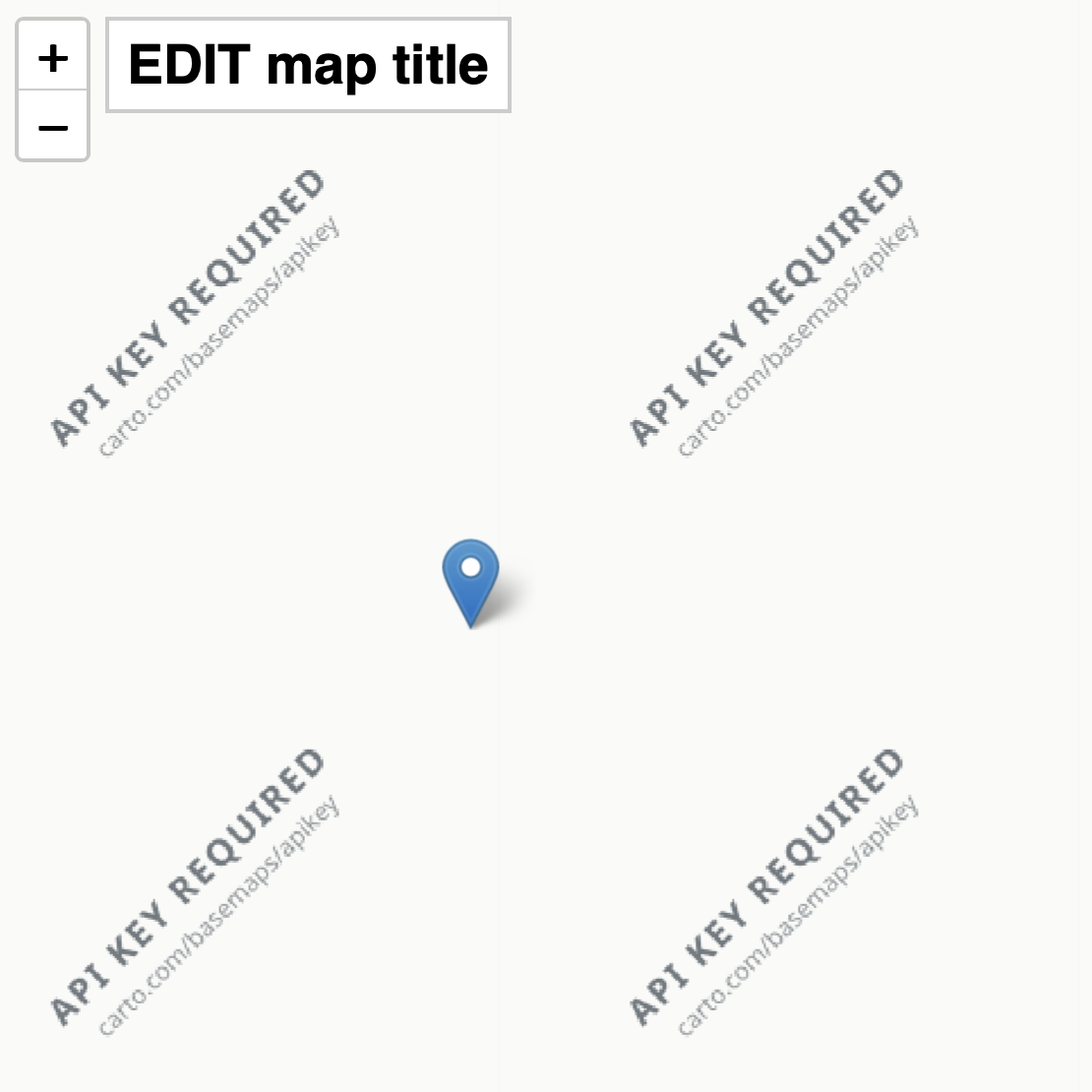
Figure 12.31: Screenshot of CARTO basemap error message for “API KEY REQUIRED”.
To fix this problem: Request a free CARTO basemaps API key.
If using a simple Leaflet code template from this book, such as the section on Copy, Edit, and Host a Simple Leaflet Map Template, paste the key into the CARTO basemap URL portion of your code as shown in this generic format below:
https://{s}.basemaps.cartocdn.com/light_all/{z}/{x}/{y}{r}.png?key=INSERT_YOUR_KEYOr if using a more complex Leaflet code template from this book, such as Leaflet Maps with Google Sheets or Leaflet Storymaps with Google Sheets, make sure you are using the most recent version of the code from our GitHub repository (version 1.3.2 or higher), where you should paste your free CARTO Basemaps API Key in the linked Google Sheet > Options > Map Settings field as shown in Figure 12.32.
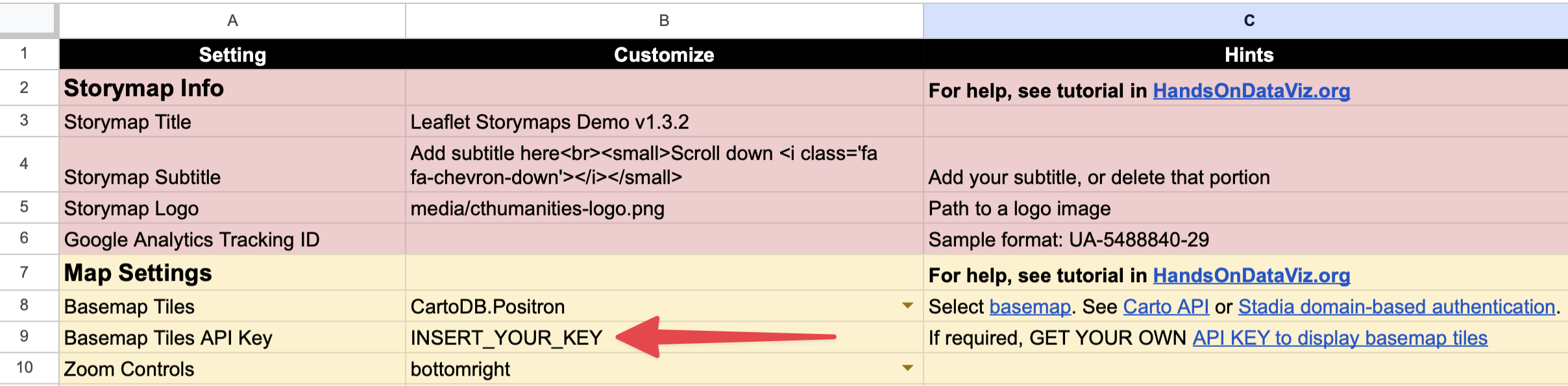
Figure 12.32: Paste your free CARTO basemap API key into your linked Google Sheet.
Note that if you originally used an earlier version of a complex Leaflet code template from our book, you might be able to fix the CARTO API KEY REQUIRED issue by updating the Leaflet Providers reference in the index.html file (around line 17) to version 4.0.0 or later, as shown in this code excerpt below:
<script src="https://unpkg.com/leaflet-providers@4.0.0/leaflet-providers.js"></script>This updated version of Leaflet Providers should correctly read your CARTO API key that you pasted into your linked Google Sheet > Options > Map Settings field.